Getting Started
Learn how to navigate the Access Control Admin portal and find key areas quickly.
Last updated: 2026-01-26 Where to find it: Dashboard (/dashboard) Who can use it: All signed-in users Prerequisites: Active account and successful sign-in Help link: /getting-started
How to do it
Create an account
- Navigate to the Access Control Admin portal registration page.
- Enter your Email address.
- Enter a strong Password (minimum 8 characters, including uppercase, lowercase, and a number).
- Click Create Account.
- Check your email for a verification link.
- Click the link to verify your account.
- Sign in with your new credentials.
Review the dashboard
- Sign in to the portal.
- Review the summary tiles on the Dashboard.
- Use the quick actions to jump to key tasks.
Check system health
- Navigate to the system health page (/health).
- View the status of backend services.
- Green indicators mean services are operating normally.
- If you see red indicators, contact your administrator.
Navigate to a section
- Use the left sidebar to open a section (Users, Roles, Invitations).
- Use filters and search within the page if available.
Manage security settings
- Open Settings from the sidebar.
- Select the Security tab.
- Click Add Passkey to register a new passkey.
- Use Rename or Revoke to manage existing passkeys.
What you'll see (fields/columns)
Dashboard tiles
| Section | Type | Description |
|---|---|---|
| User Count | Numeric | Total active users in your organization |
| Pending Invitations | Numeric | Invitations awaiting acceptance |
| Active Sessions | Numeric | Currently logged-in users |
| Recent Activity | List | Latest user and role changes |
Settings fields
| Field | Type | Description |
|---|---|---|
| Device | Text | Passkey label and device type |
| Created | Date | When the passkey was registered |
| Last used | Date | Last successful passkey sign-in |
| Status | Status | Active or revoked |
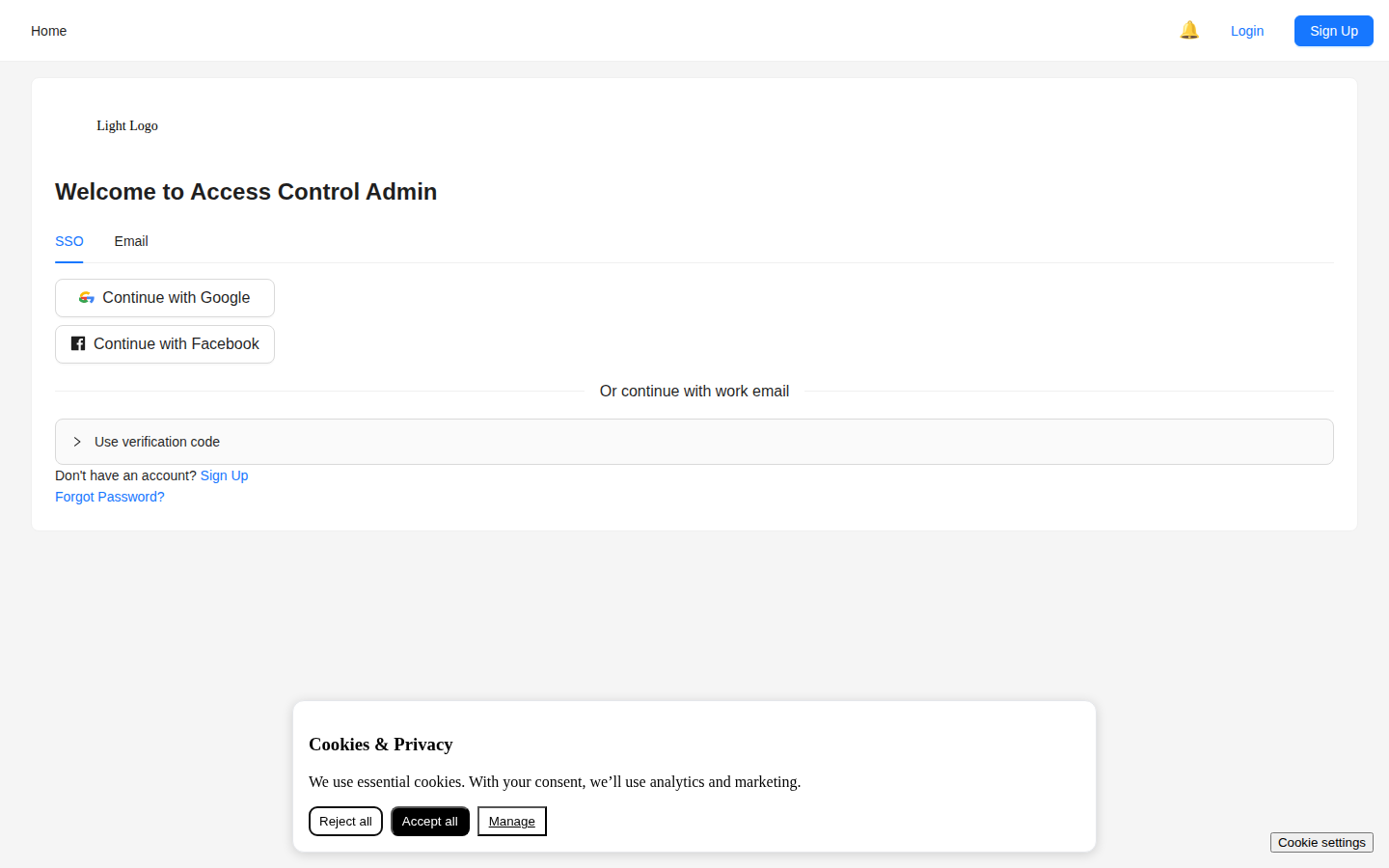
Screenshot / Callout
Expected outcome
- You can locate each area of the portal using the sidebar.
- You can identify key metrics and recent activity on the dashboard.
Troubleshooting
- Missing menu items? Your role may not have access. Contact your administrator.
- Data not loading? Try refreshing the page. Check your internet connection.
- Session expired? Sign in again to continue.
Related
- Authentication — Sign-in and password reset
- User Management — Managing users and roles
- Admin Capabilities — Understanding role permissions